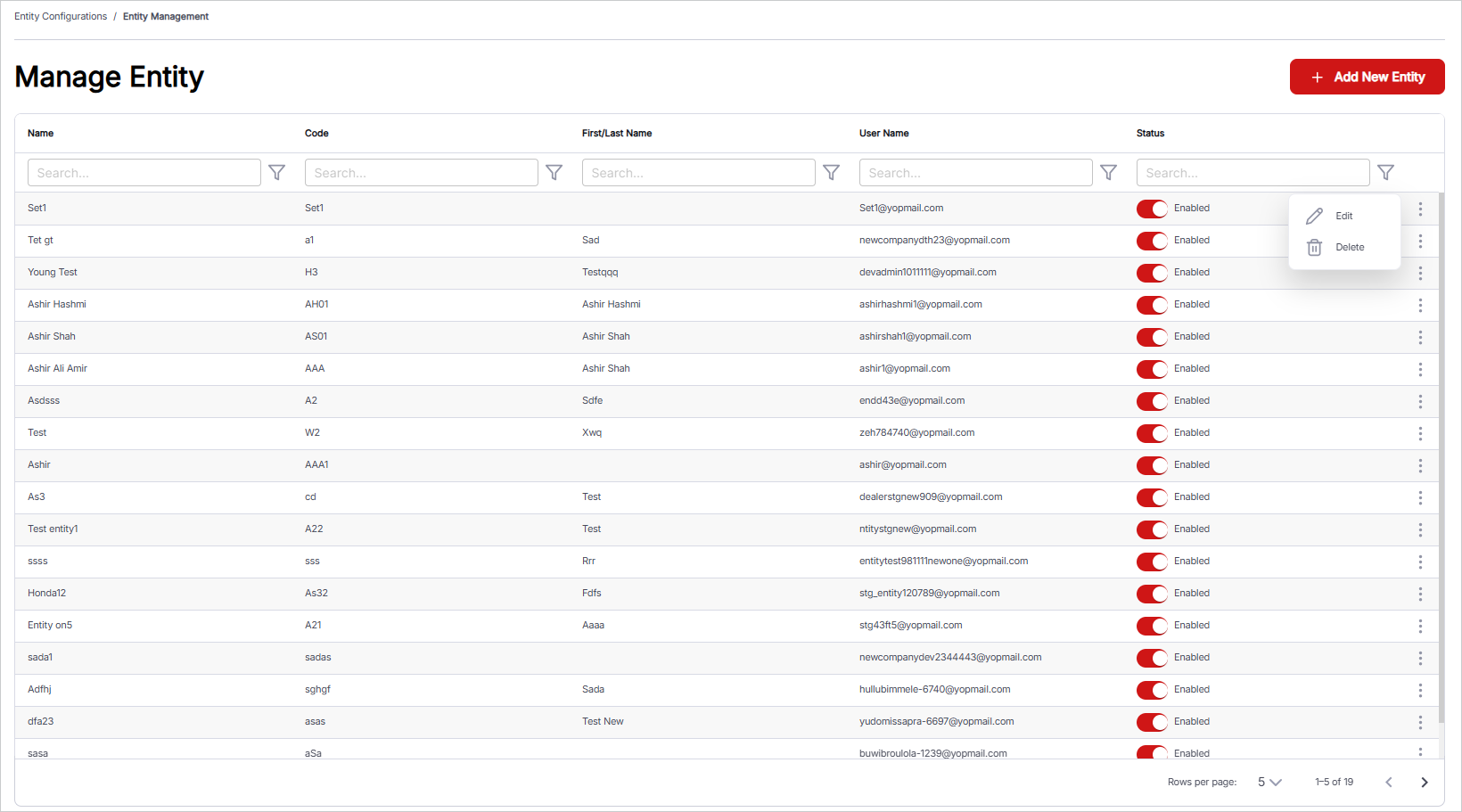
Manage Entity
The Entity Management feature enables users to view, add, and manage entities associated with the platform. This feature allows users to maintain essential entity information, configure communication preferences, and manage the user profile associated with each entity. The window includes details such as Name, Code, First/Last Name, User Name, and Status, providing a clear overview of each entity’s configuration. Users can easily add and maintain entity records, ensuring that entity information remains accurate and up to date within the system.
To manage entities, follow these steps:
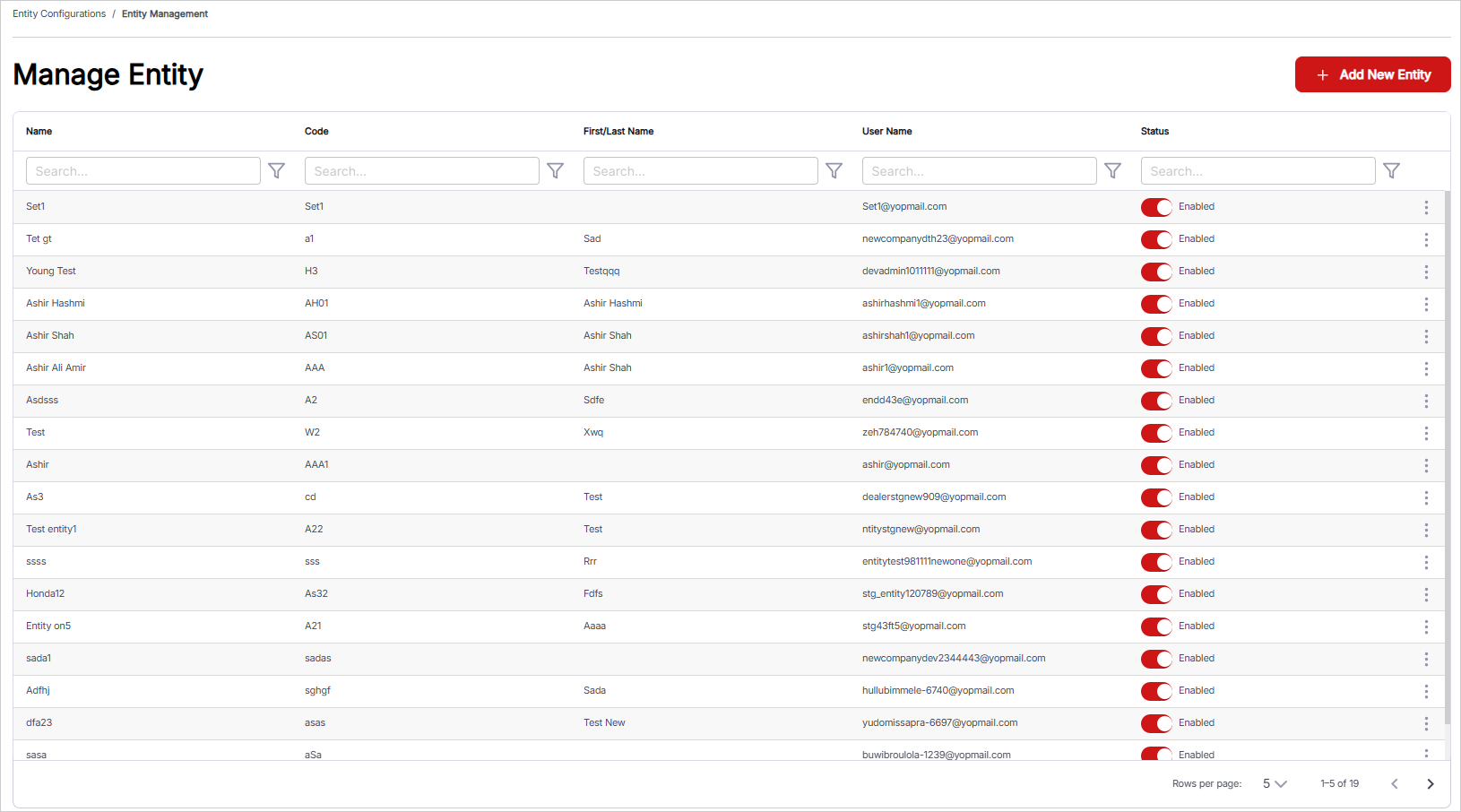
- Add New Entity: Click the Add New Entity button to add a new entity. Ensure that the entity code is unique and does not overlap with an existing entity code.
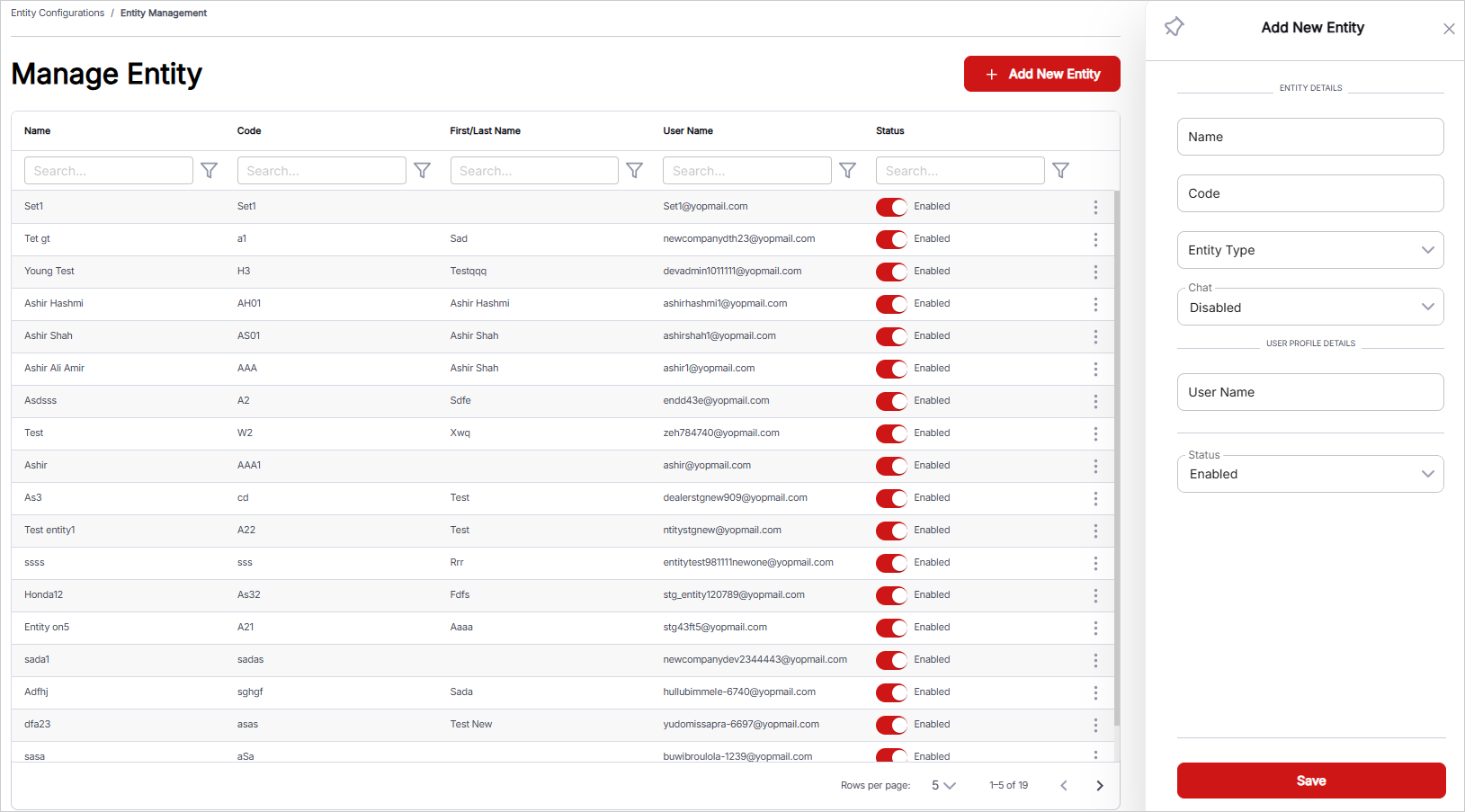
- Input Name: Enter the name of the entity. This field is used to identify the entity within the system.
- Input Code: Assign a unique code to the entity. This code serves as an identifier for referencing the entity in other system functions or reports.
- Select Entity Type: Choose the entity type from the drop-down list. The available option is Broker.
- Select Option Chat: Choose whether the entity’s chat option is Enabled or Disabled, depending on whether communication through the chat feature is required for the entity.
- User Profile: Enter and manage the user profile details associated with the entity. a. Input User Name: Enter the user name for the entity’s user profile. b. Select User Status: Define the user profile status as either Enabled or Disabled.
- Select Option for Status: Define the entity’s status as either Enabled or Disabled. Entities with an Enabled status will remain active in the system for future use, while those marked Disabled will be inaccessible for further operations.
- Managing Existing Records: All added entities are displayed in a tabular format, providing an overview of current records. Use the Search Bar at the top of each column to filter records by specific criteria. An ellipsis menu is available on the right side of each record to manage the respective entity.