Submit Application
You cannot submit the application until all mandatory fields in the Order Journey are populated. When Submit is pressed, Drift will let the user know of any unpopulated mandatory fields in the Order Journey.
To submit a deal to the finance provider of your choice, available in the list, select the financial service provider you want to continue with and click Submit:
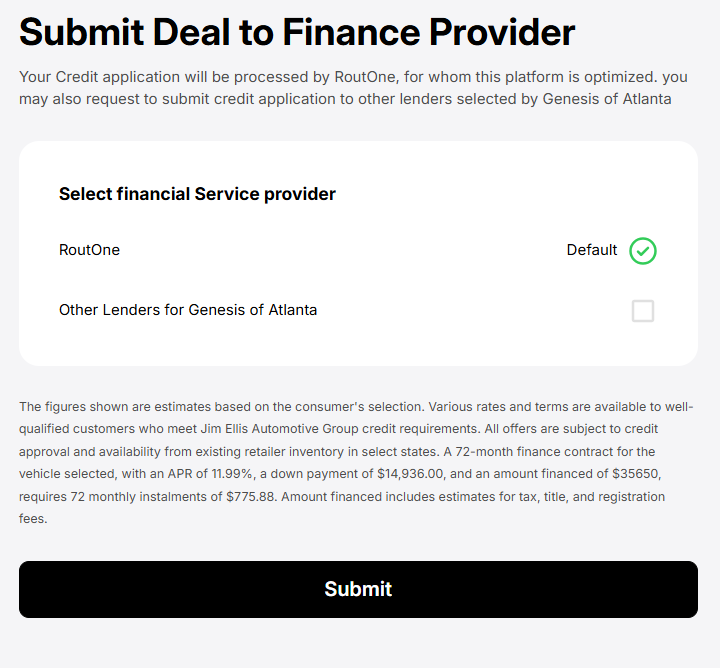
Drift will ask you read “Information and Notices”. After reading, press I Agree & Continue.

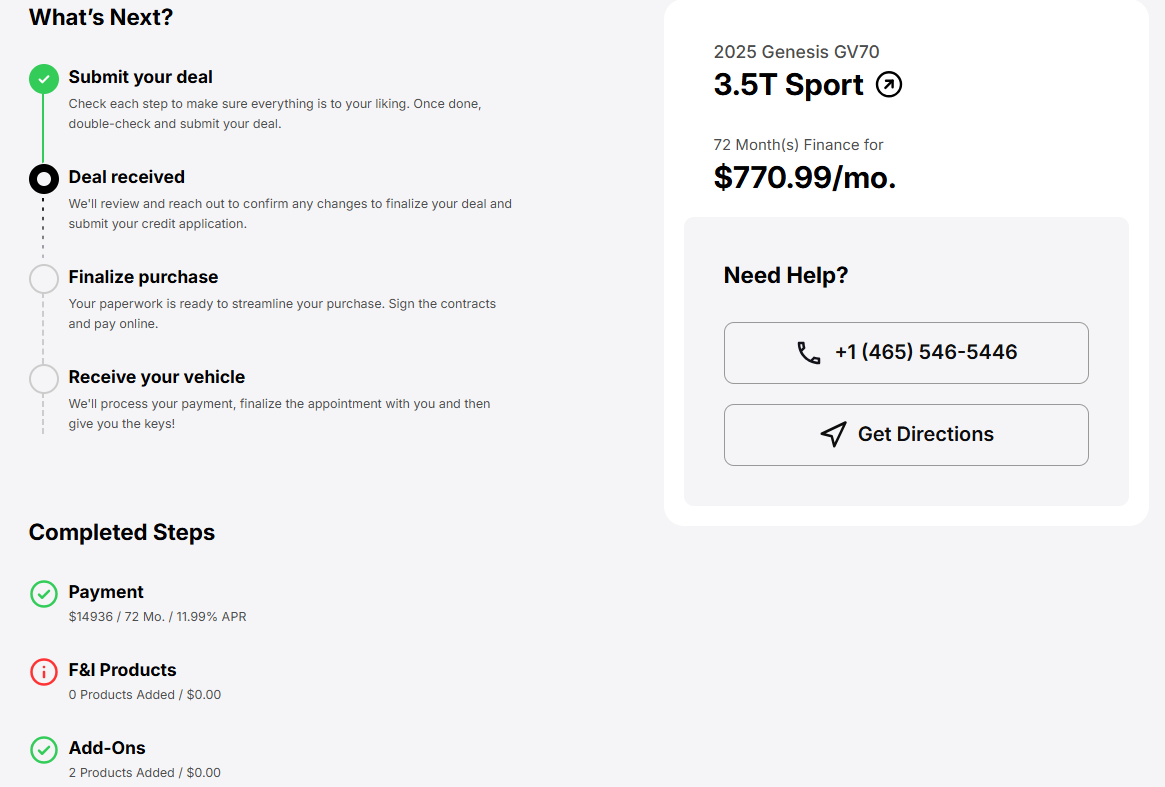
After an order is submitted to the dealership, it moves to the Deal page where further processing and steps are carried out. To learn more, see My Deals.
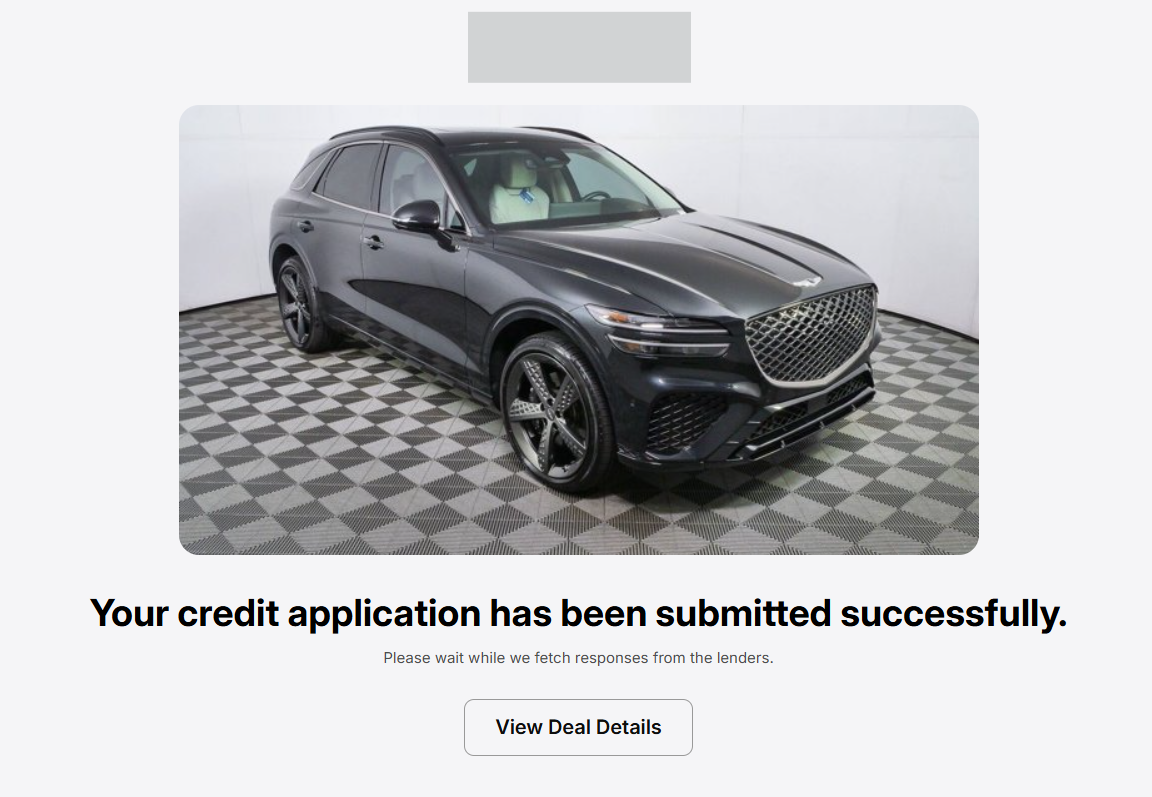
Once the order is successfully submitted, users will see the following screen: