Sign Up & Login
After the Primary Applicant sends an invitation to the Co-applicant, the Co-applicant receives an email invite:
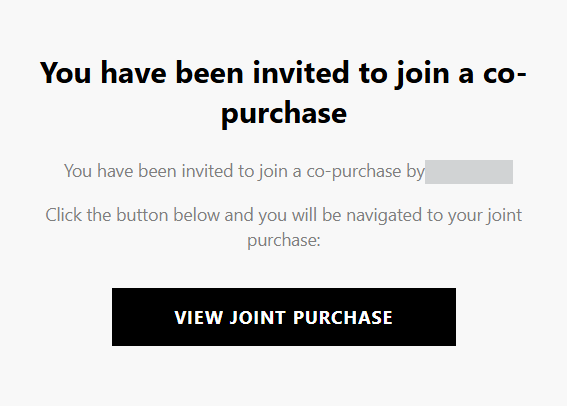
Click View Joint Purchase, this will redirect the Co-applicant to the Sign Up screen:
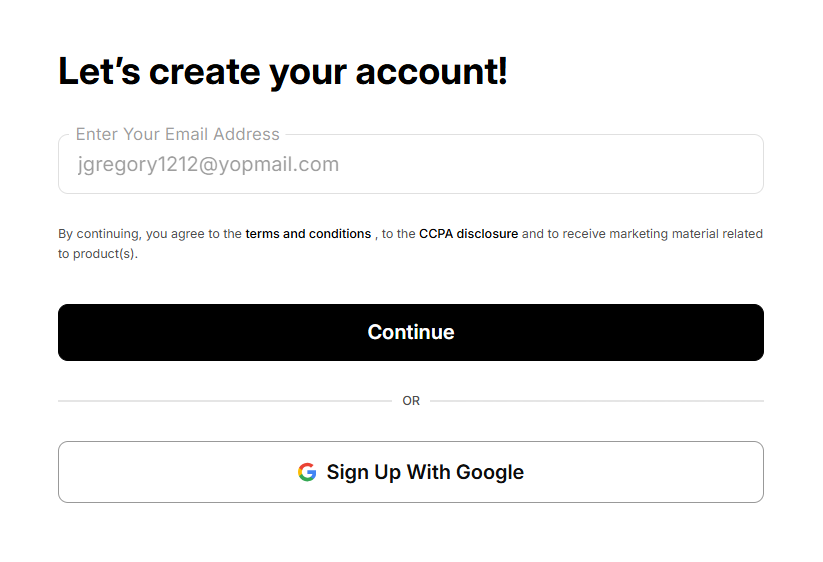
Click Continue, this will send a security code to the provided email address and redirect the Co-applicant to the What’s the Code screen:
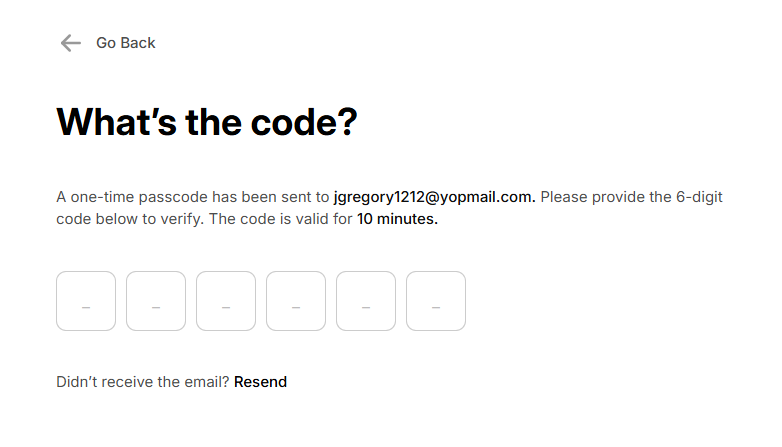
Once the security code is entered, the Co-applicant will be redirected to Let’s Save Your Account Screen:
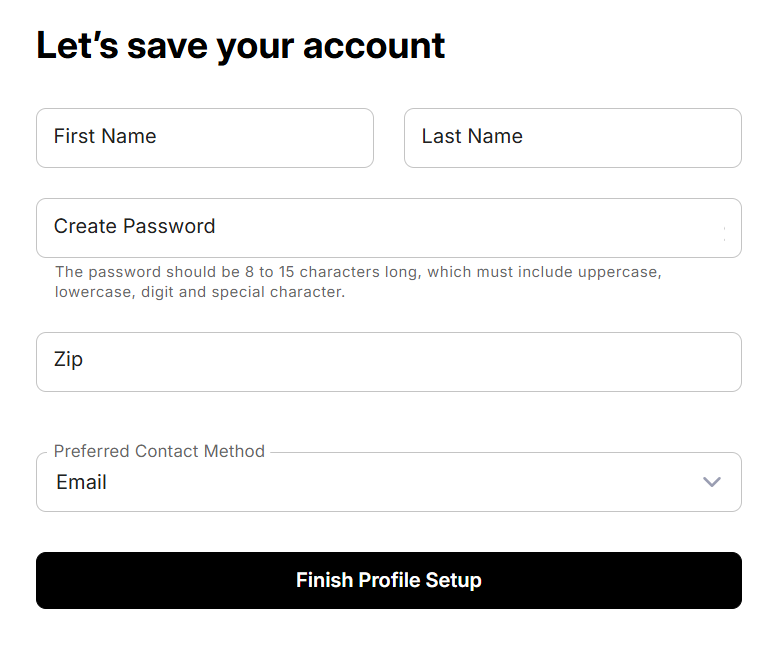
Enter the required details and click Finish Profile Setup, this will direct to the Co-applicant Journey’s main page.
On the Review Deal page, Scroll down to the end of the page and click Accept Invite:
The Primary Applicant will not be able to submit the deal until you click Accept Invite.
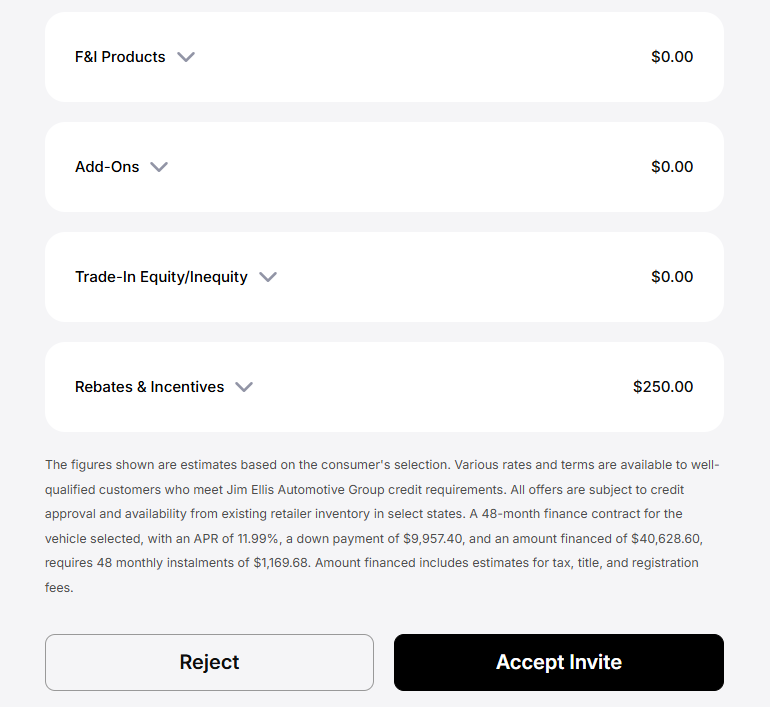
Once Accept Invite is clicked, the user is added to the deal and credit application as the Co-applicant.
The Financing tab will only be unlocked after the Co-applicant clicks Accept Invite.